Everything you need for a SharePoint start page people use
Drag tiles, sliders, videos and news onto a grid, make it match your brand and show each audience the right content.
30-day free trial · No credit card · Support in English & German
Build pages yourself, without code
Your communications team no longer waits for IT or an agency. Drag tiles onto a responsive grid, resize them and see the result immediately.
Move mode for dragging and resizing, configure mode for details
Live preview while you edit
Hide a tile while you are still drafting it
Make every page look like your brand
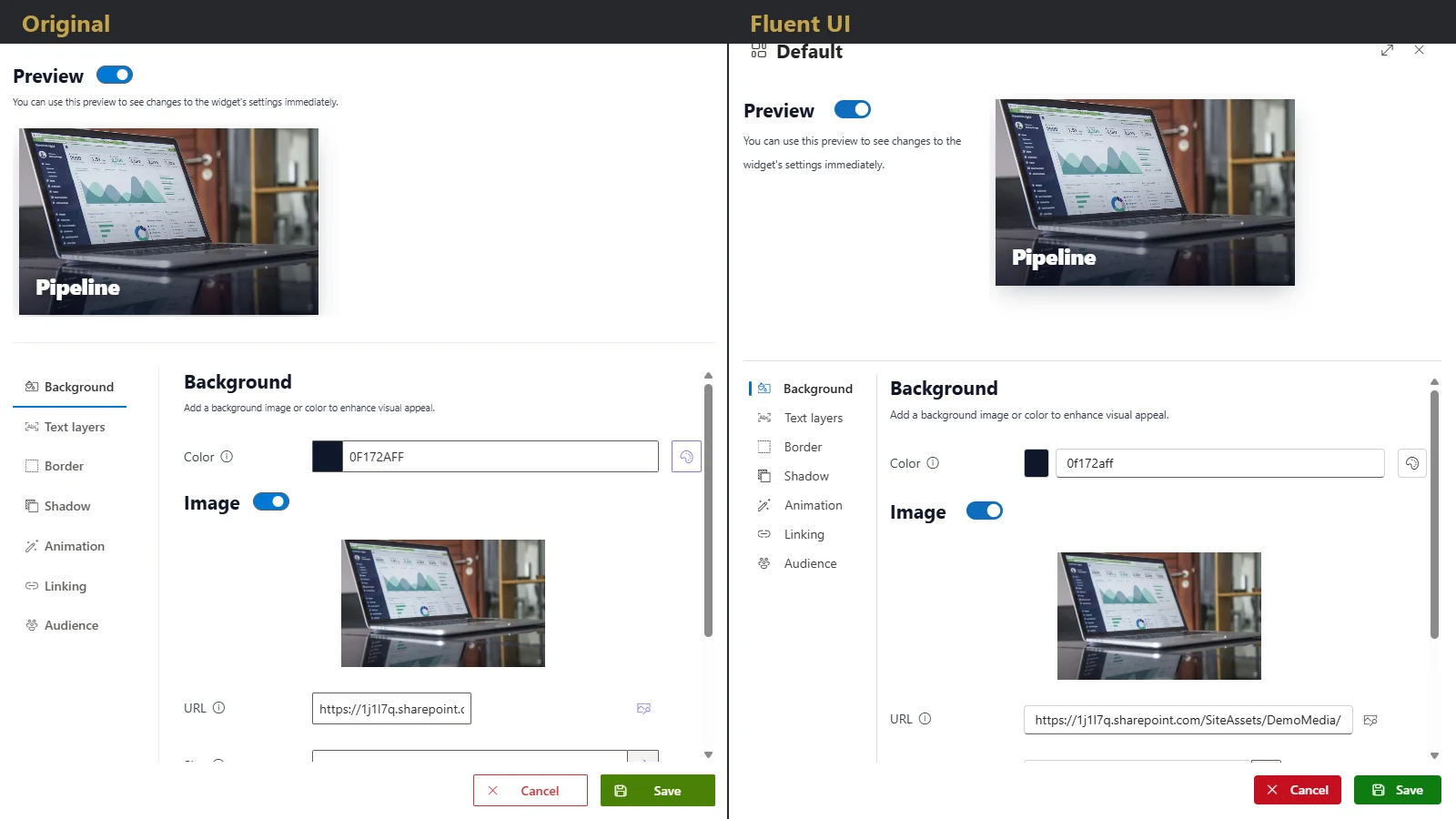
Generic start pages do not get opened. Style tiles with your colours, backgrounds, borders and shadows, and choose between two design variants.
Colour picker with saved brand colours
Stackable text layers and a header area
Original or Microsoft Fluent design variant
Bring content to life
Show campaigns, announcements and videos right where people start their day.
Image slider with 6 effects
Video from YouTube, Vimeo or MP4 files, and audio
Embed other content on the page
Surface news automatically
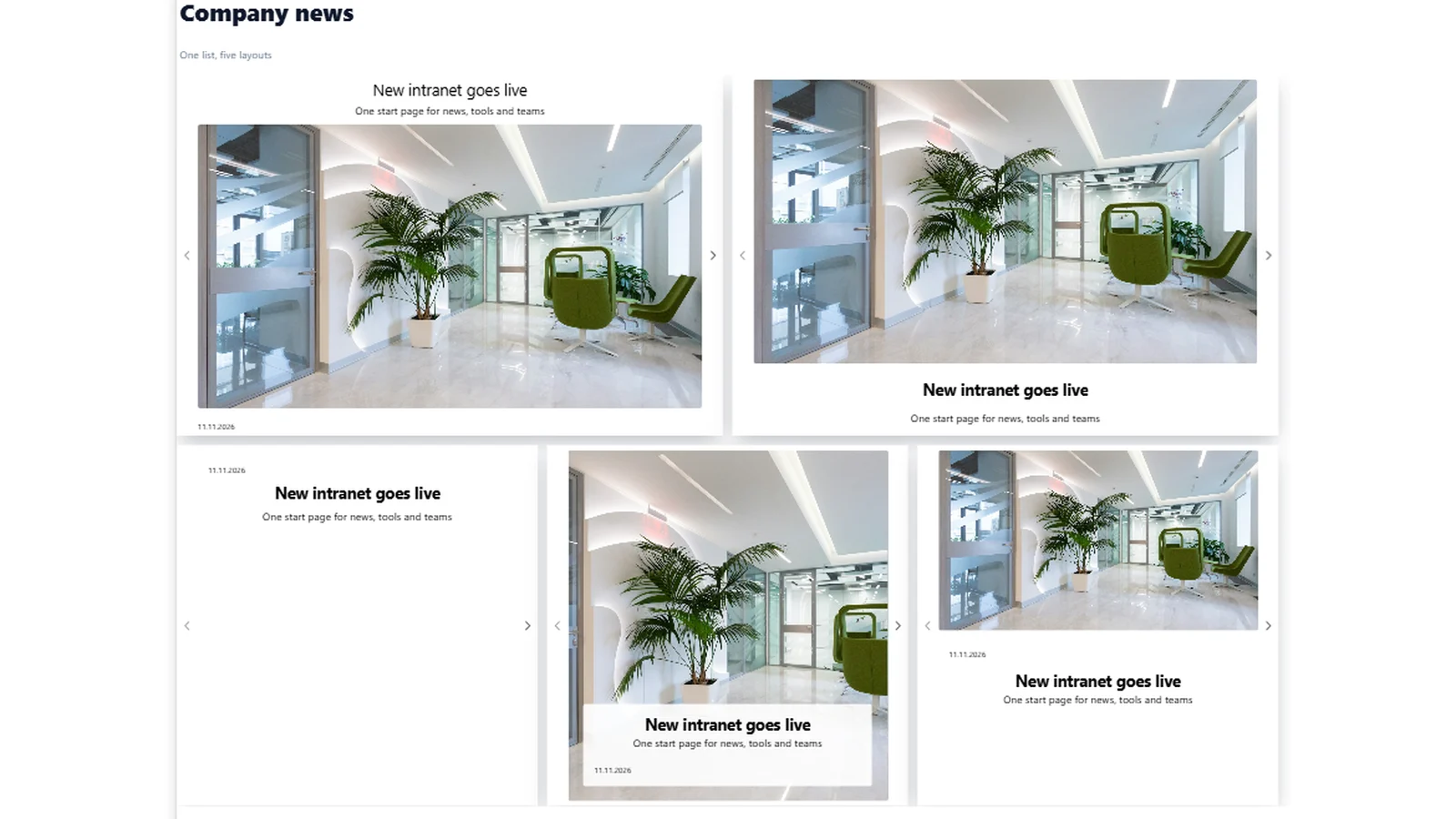
Publish once in a SharePoint list and let the news appear on your start page, in the layout you choose.
News from SharePoint lists
5 layouts to choose from
Filters for what is shown
The right content for the right people
One page, different entry points. Show tiles only to the users or groups they are meant for, without the layout jumping around.
Target individual users, SharePoint groups or Microsoft Entra groups
Nested Entra groups are supported
The layout stays stable for everyone
Engage with interaction
Let people stay on the page: open links in a dialog and add motion where it helps.
Open links in a new tab, the same tab or a movable, resizable dialog
Entrance, hover and click animations
Scale across your tenant
Stop every department from reinventing its layout. Save a page as a template and reuse it on one site or across the tenant.
Templates for one site or tenant-wide
Consistent design in minutes
Works on every device
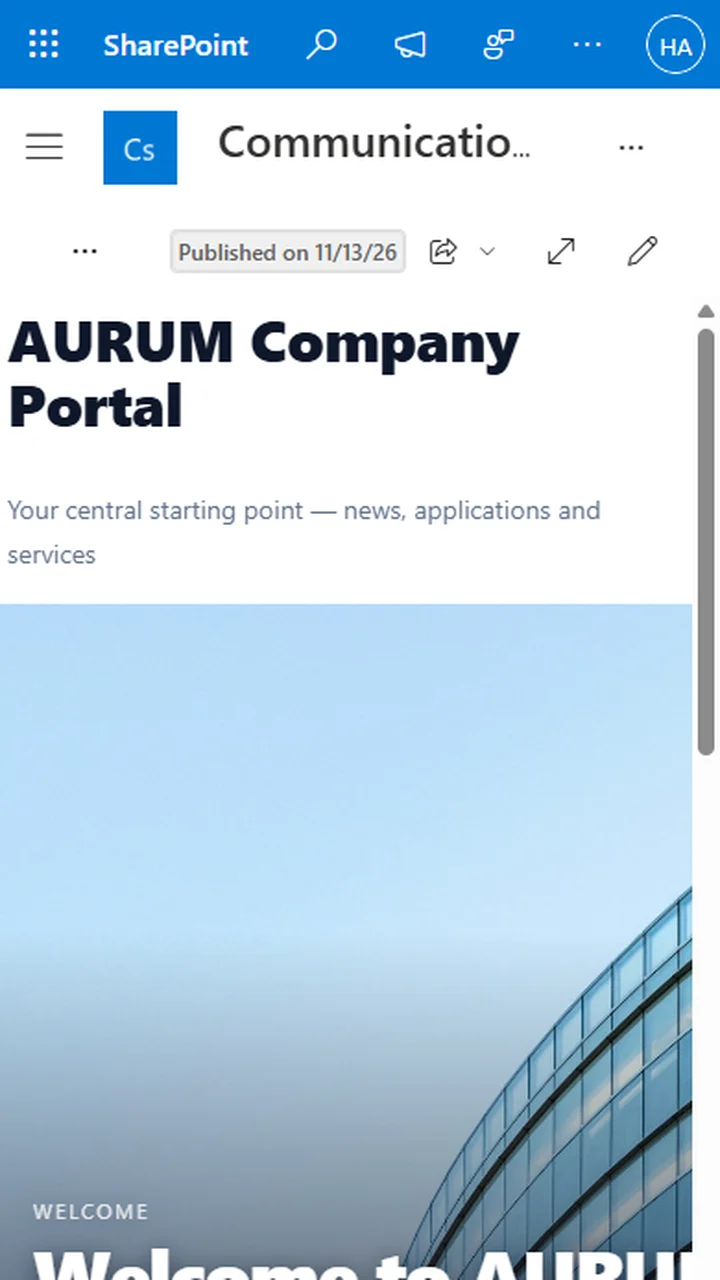
The responsive grid wraps tiles on phones and tablets, so your start page works wherever your colleagues are.
Responsive grid, on by default since version 2.5
One page for desktop and mobile
| Feature | SharePoint Online | SharePoint Server |
|---|---|---|
| Responsive tile grid and editor | ||
| Tile, image, video, audio and embed widgets | ||
| Image slider effects | Fewer effects on Server | |
| Colours, backgrounds, borders and shadows | ||
| Multiple text layers | ||
| Entrance, hover and click animations | ||
| Links that open in a dialog | ||
| News from SharePoint lists | ||
| News filters | ||
| Audience targeting | ||
| Templates | Site-scoped only on Server | |
| Site-wide top navigation | ||
| One licence key for Online and Server |
See your intranet start page in 30 minutes.
Book a demo and we will show you around, or start the free 30-day trial in your own tenant.
30-day free trial · No credit card · Support in English & German