Start pages look generic
Standard SharePoint pages do not feel like your company, so people skip them and search or ask instead.
New in 2.5: Fluent design variant See what's new
AURUM Navigation is a no-code page builder for SharePoint Online and SharePoint Server. Build branded intranet start pages, department hubs and dashboards in minutes.
30-day free trial · No credit card · Support in English & German
Runs inside your Microsoft 365 tenant · No custom script · Made in Germany by a Microsoft Solutions Partner
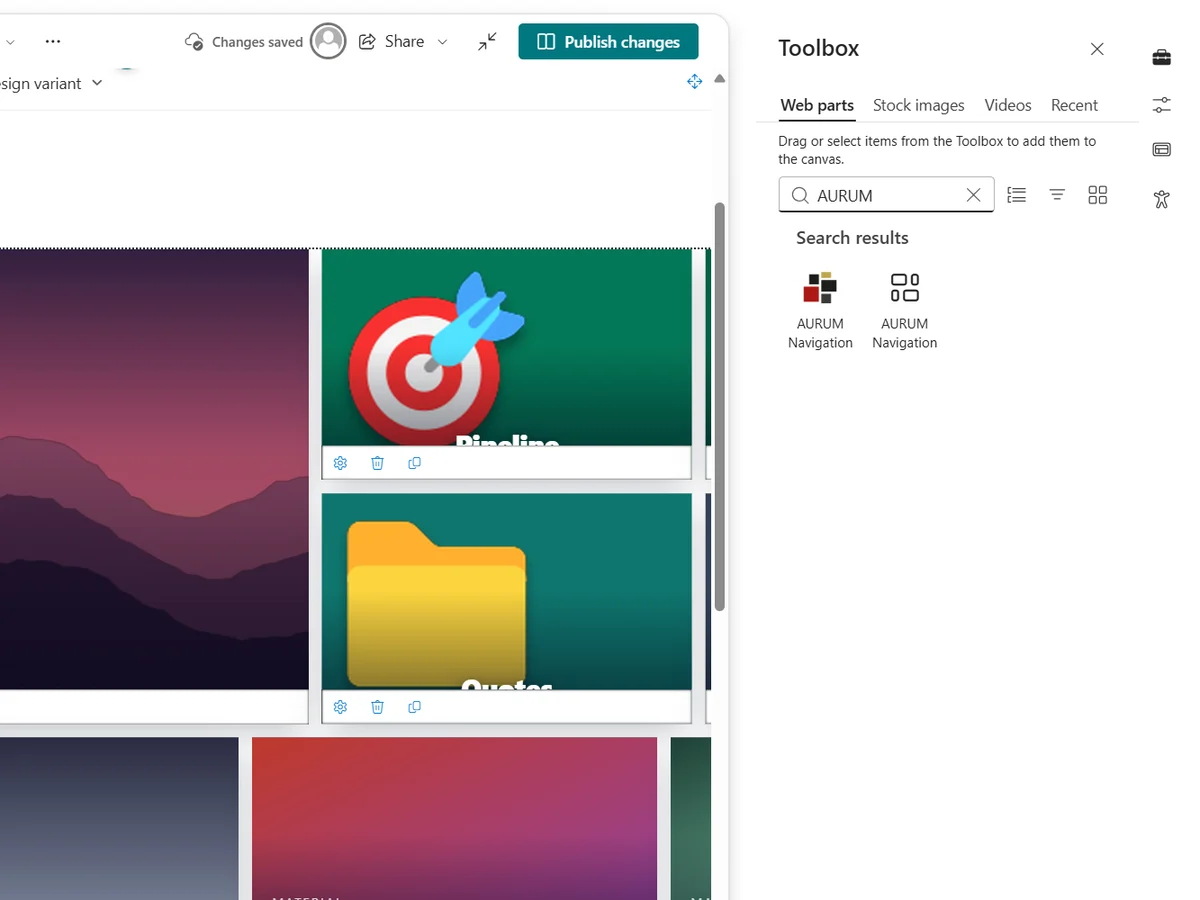
Upload the package once and add the web part to a page.
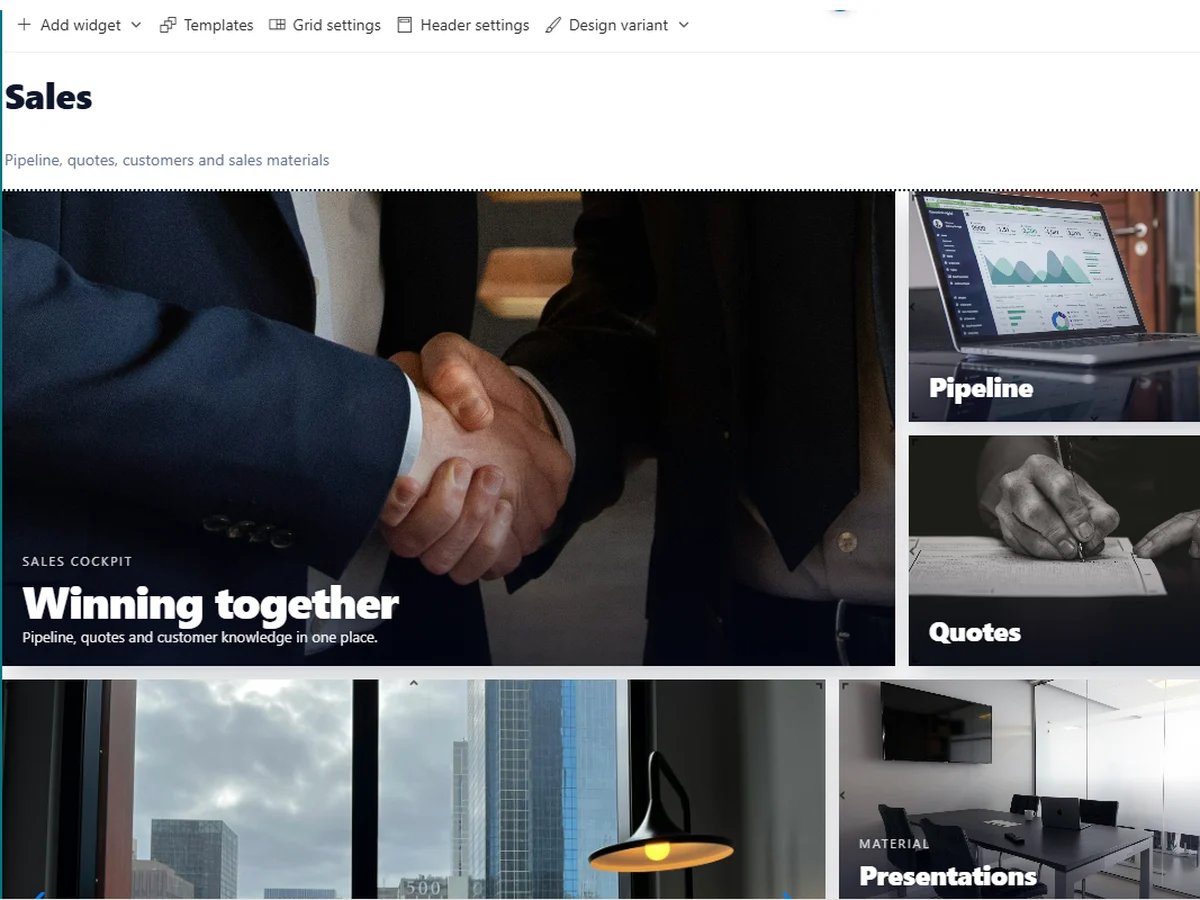
Arrange everything on the grid and style it to match your brand.
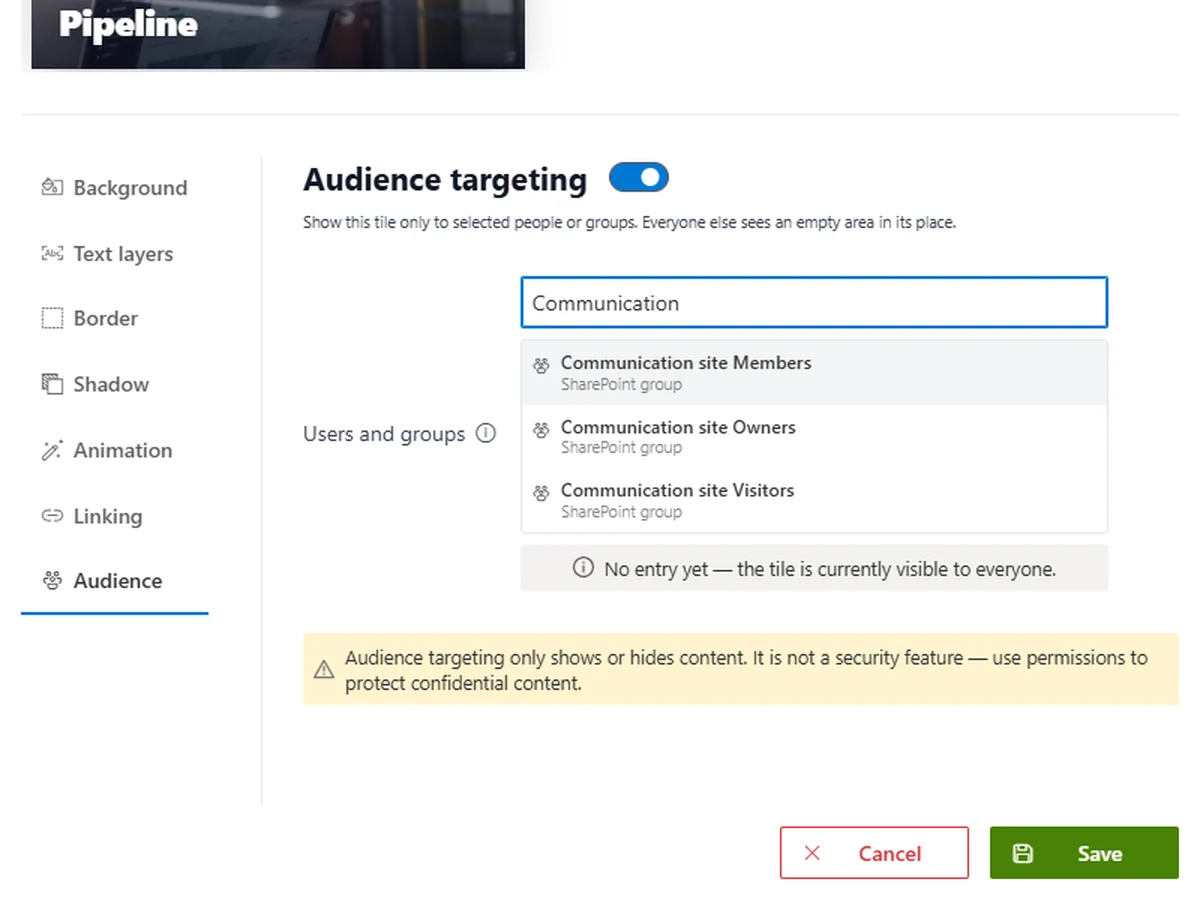
Choose who sees which tile, then publish like any SharePoint page.
News, quick links and tools in one place
Animated tiles that guide the eye
Your colours and your look
Drag the divider to compare a default SharePoint start page with the same page built with AURUM Navigation.
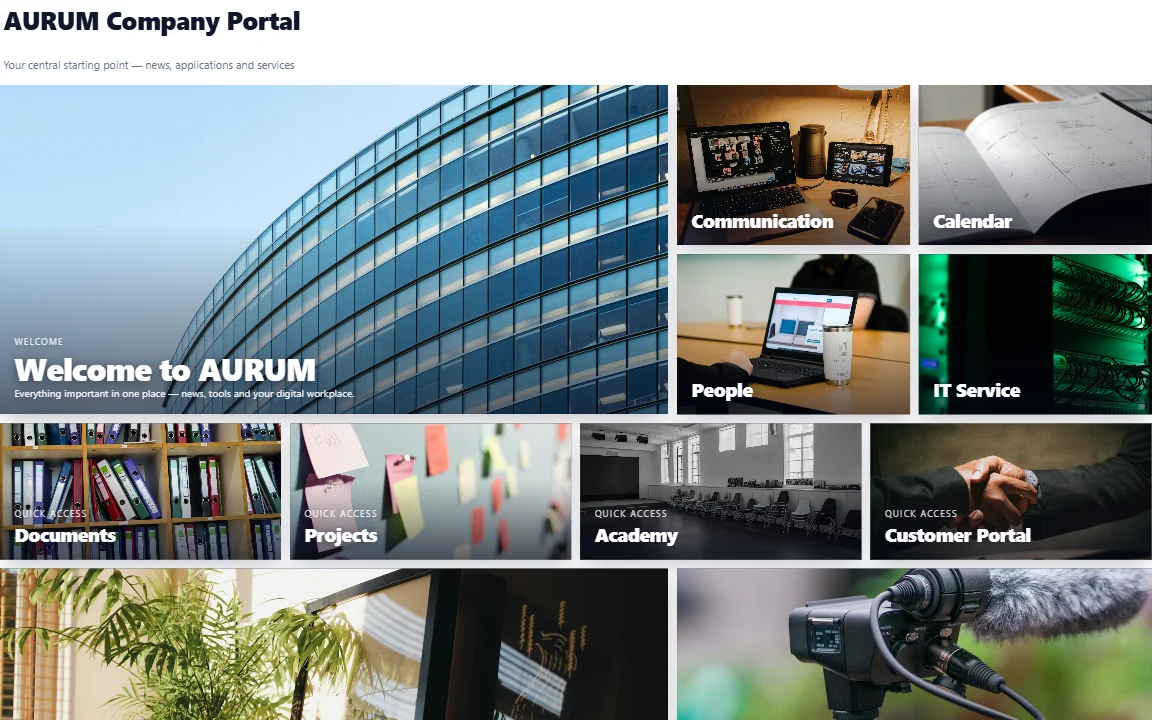
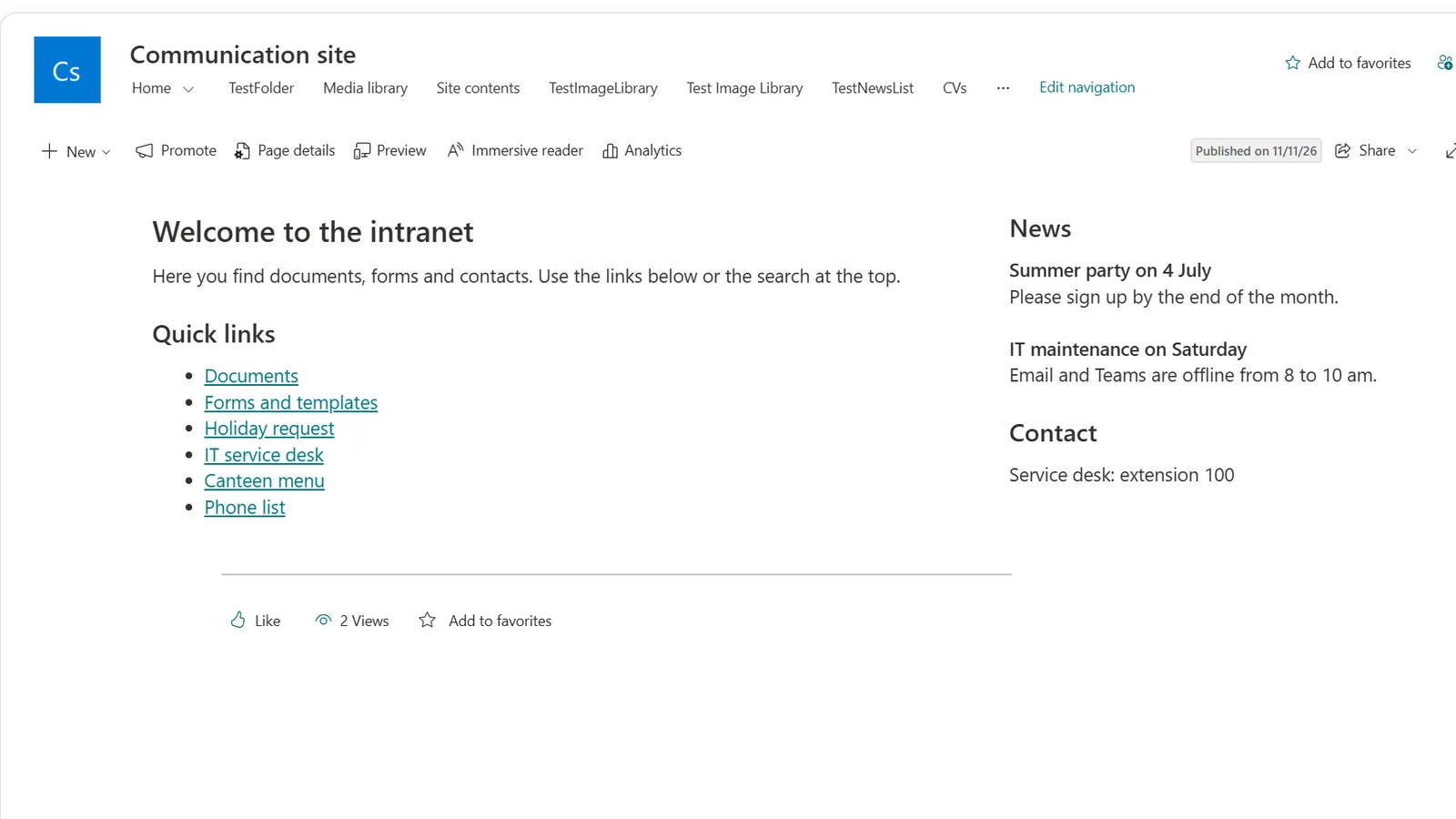
Build and change start pages yourself, with drag and drop and no ticket.
See 15 example pages
Browse use casesInstall from the app catalog. It runs in your tenant with each user's own permissions and needs no custom script.
Read the architecture
Security & architectureA transparent licence instead of a development project, from a German vendor, with a 30-day free trial.
Estimate your price
See pricingRuns inside your tenant
No custom script required
Uses each user's own permissions
Versioned with the SharePoint page
Pages keep working after licence expiry
German vendor, Microsoft Solutions Partner
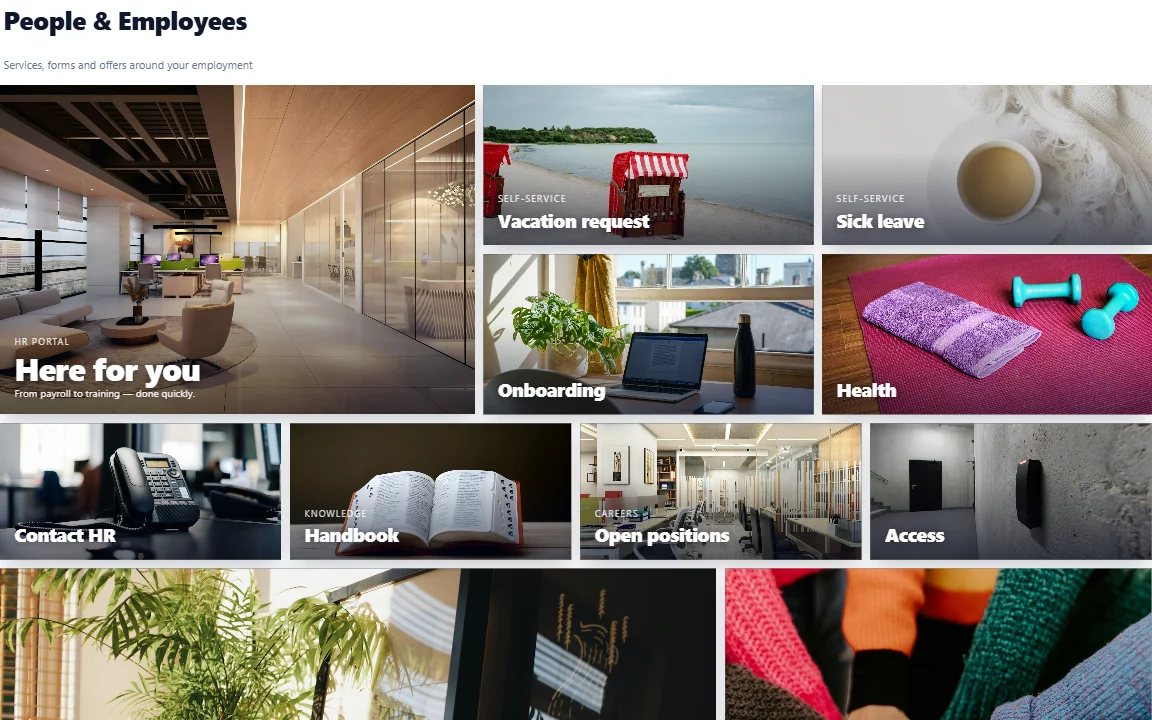
Requests, health and onboarding for employees.
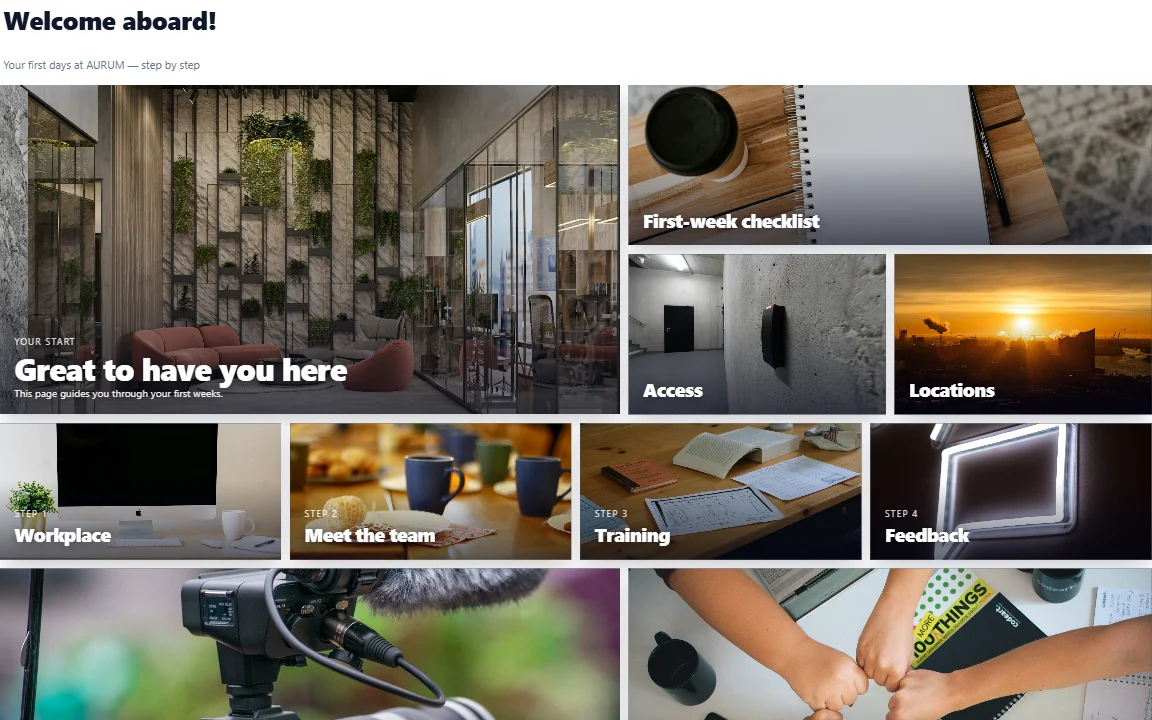
A welcome page for new colleagues.
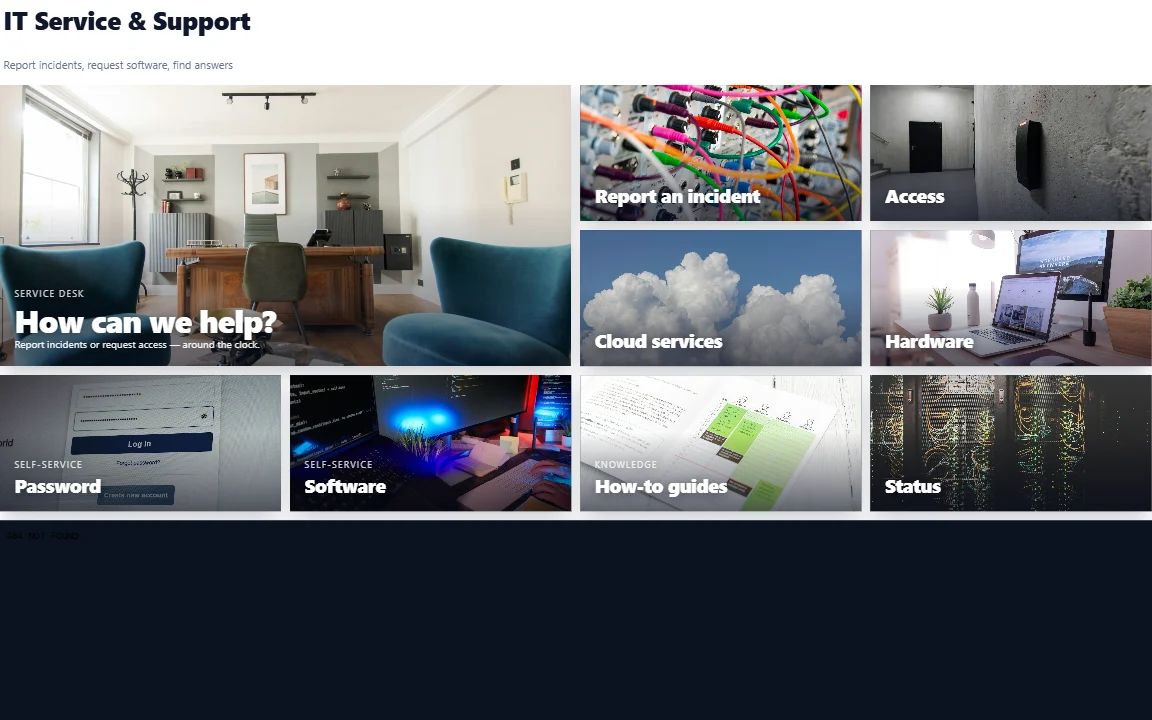
Report issues and find access and cloud services.
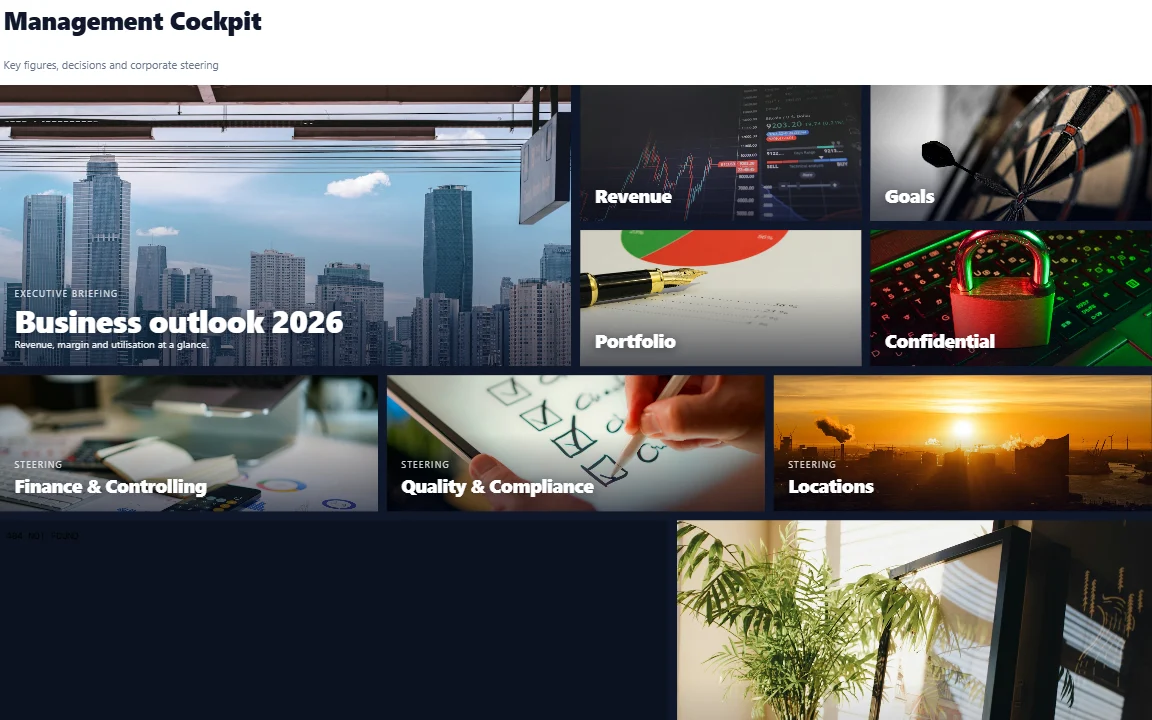
Key figures and goals for decision makers.
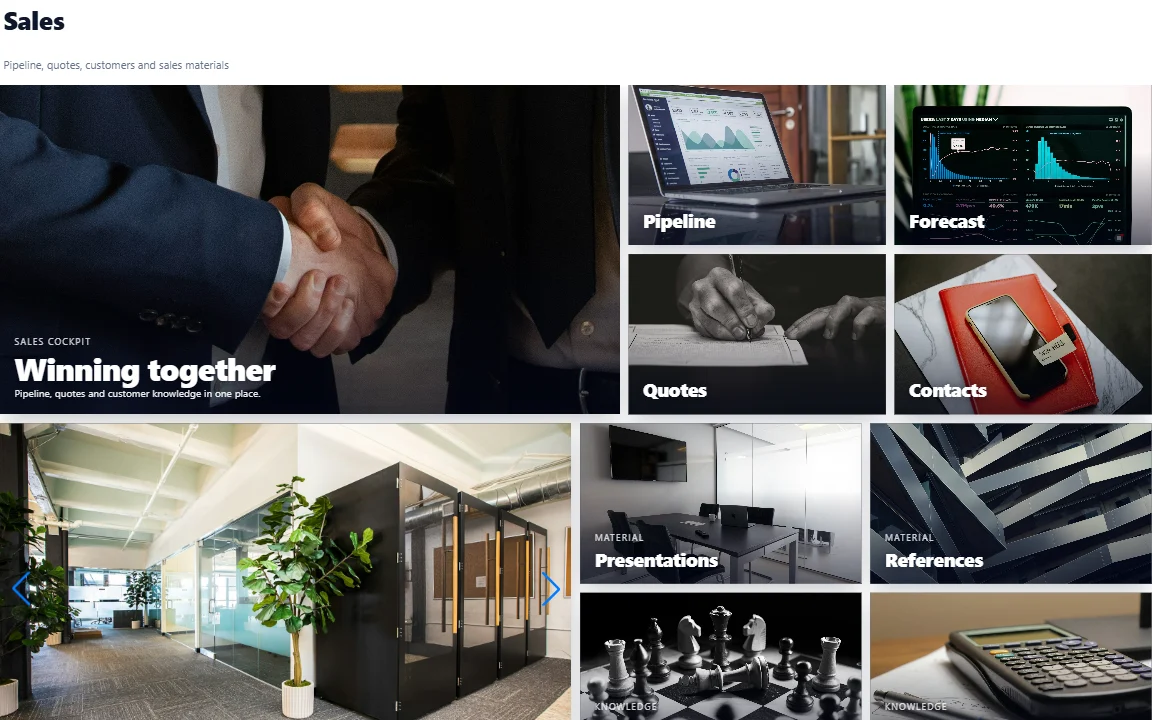
Pipeline, forecast and quotes for the sales team.
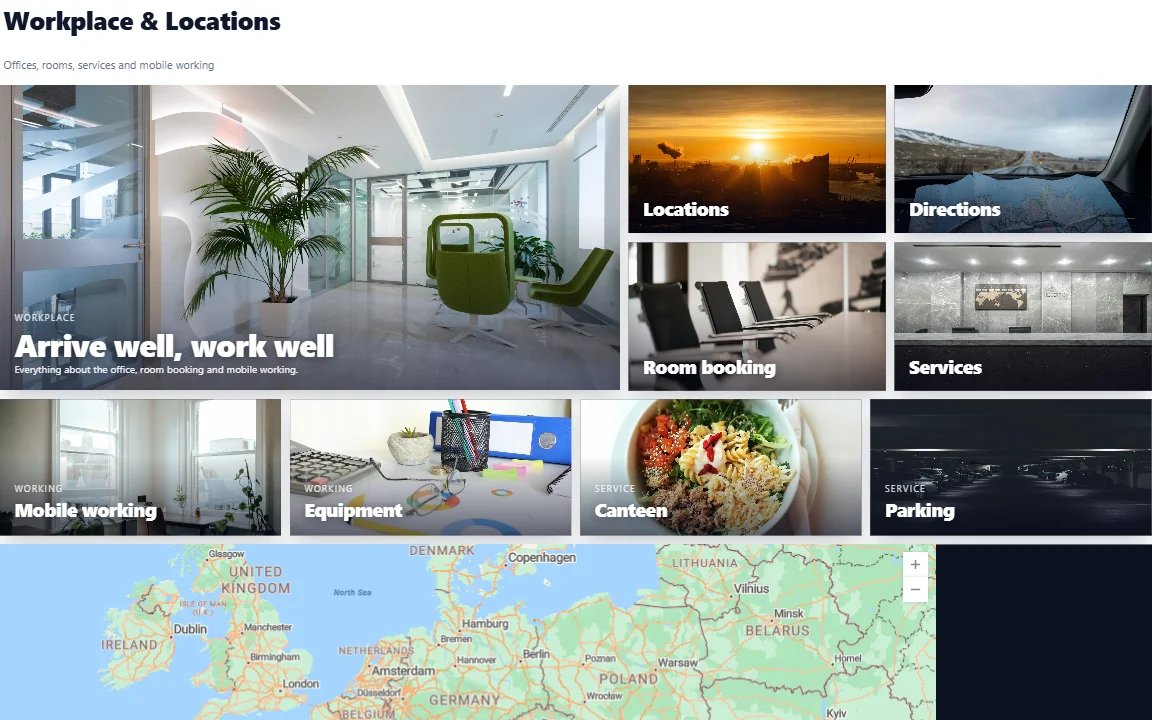
Locations, directions and room booking.
We had planned an agency project for our new intranet start page. In the end, our communications team built it themselves with AURUM Navigation. The deciding factor for us was that nothing leaves our tenant: no custom script, no external service. Our security review was done in one meeting, and the installation took under 30 minutes.
Electricity grid operator · energy sector · Berlin · SharePoint Online
Licences start at €2,500 per year (excl. VAT) for up to 200 users or 2 site collections. Estimate your price in seconds.
Yes. SharePoint Online is our main platform and has the full feature set. There is also a package for SharePoint Server Subscription Edition with a smaller feature set and a site-wide top navigation. One licence key works for both.
No. You build pages by dragging tiles onto a grid and configuring them in a panel. Your communications or HR team can do it themselves.
In your own Microsoft 365 tenant. AURUM Navigation runs in the browser as a SharePoint Framework web part. There is no AURUM cloud service behind it, and the page configuration is stored in the SharePoint page.
About five minutes for the technical part: upload the package to your app catalog, add the app to a site and install the licence. The installation guide walks you through it.
Your pages keep working for everyone. Only editing is locked until the licence is renewed. There is no lock-in, because the layouts are stored in your own SharePoint.
Yes. The grid is responsive and wraps tiles on small screens. Since version 2.5 this is on by default.
The editor is available in English and German.
You request the trial and we email you the package, a 30-day trial licence key and the installation guide, usually within one business day. No credit card is needed.
Book a demo and we will show you around, or start the free 30-day trial in your own tenant.
30-day free trial · No credit card · Support in English & German